Scrapebox + GSA SER Tutorial Guide
 Anonymous
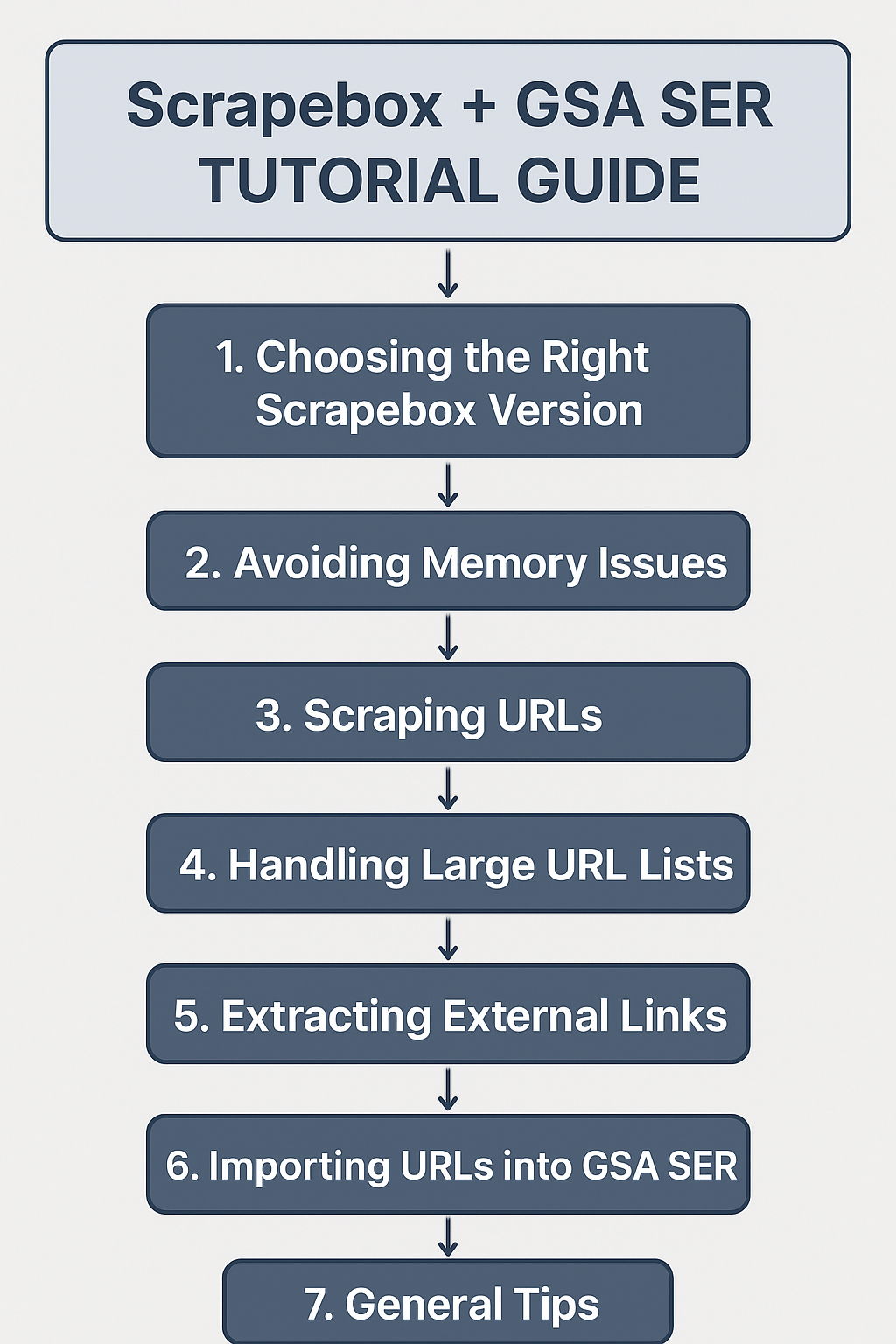
This guide is for GSA users who want to efficiently harvest URLs with Scrapebox and use them in GSA SER, while avoiding crashes and optimizing link-building campaigns.
1. Choosing the Right Scrapebox Version
-
Use Scrapebox v2 or the latest stable version.
-
Older versions may crash with large datasets.
2. Avoiding Memory Issues
-
Do not load all your keywords and footprints at once.
-
Experiment with smaller batches to find your “sweet spot”:
-
Example: 100–1,000 keywords at a time.
-
Use partial lists of footprints, then rotate them.
-
-
If Scrapebox crashes:
-
Reduce the number of keywords/footprints.
-
Increase virtual memory on your PC if possible.
-
Consider splitting scraping across multiple sessions.
-
3. Scraping URLs
-
Input your keywords and footprints.
-
Start scraping.
-
Do not worry about trimming URLs:
-
GSA SER can handle full URLs.
-
Trimming is optional; it’s fine to import the URLs as-is.
-
4. Handling Large URL Lists
-
If you have a huge list (e.g., 50k–100k keywords):
-
Scrap in batches, not all at once.
-
Remove duplicate domains and URLs after scraping to reduce load.
-
Example:
-
Scraped 100 keywords → 30k unique domains → imported into GSA SER → LpM jumped from 15 to 71.
5. Extracting External Links
-
Use Scrapebox’s Link Extractor or tools like Moz Backlink Checker.
-
Steps:
-
Import verified URLs (e.g., 50k verified URLs).
-
Split them into smaller batches (optional).
-
Extract external links → you may end up with millions of new URLs.
-
Optionally, use
"URL in quotes"Google search to find even more links.
-
Note: Filtering is optional:
-
You can filter by:
-
Outbound links count
-
Presence of malware/phishing
-
PR (PageRank)
-
Keywords or bad words in content
-
-
But filtering takes too much time and may not be worth it. Just import the links directly into GSA SER.
6. Importing URLs into GSA SER
-
Direct import works fine:
-
You don’t need to break the URL list into smaller chunks.
-
GSA SER will verify and post to usable links automatically.
-
-
Tier 2 links: if they aren’t posting:
-
Keep scraping new links.
-
Keep posting consistently.
-
Results improve with volume over time.
-
7. General Tips
-
Numbers game: Keep scraping and posting continuously.
-
Use multiple servers or instances if possible to run 24/7.
-
Rotate keyword/footprint combinations to avoid duplicate results.
-
Don’t stress over trimming or filtering too much—focus on volume + consistency.
Quick Workflow Example
-
Scrape 100–1,000 keywords with a set of footprints → 30k unique URLs.
-
Import into GSA SER → post and verify.
-
Extract external links from verified URLs → 4M+ URLs.
-
Import those into GSA SER → post directly.
-
Optionally, use URLs in quotes to find even more links.
-
Repeat scraping with new keywords/footprints → increase LpM over time.
I’ve been away from using GSA products for over 3 years, but I’m slowly making my return now. I also wanted to share the process I used in the past to scrape and build verified lists.
This is the exact method I followed back then, and I’m planning to refine it as I get back into things. Since English isn’t my first language, I used AI to help polish this post a bit so it’s easier to read.
Comments